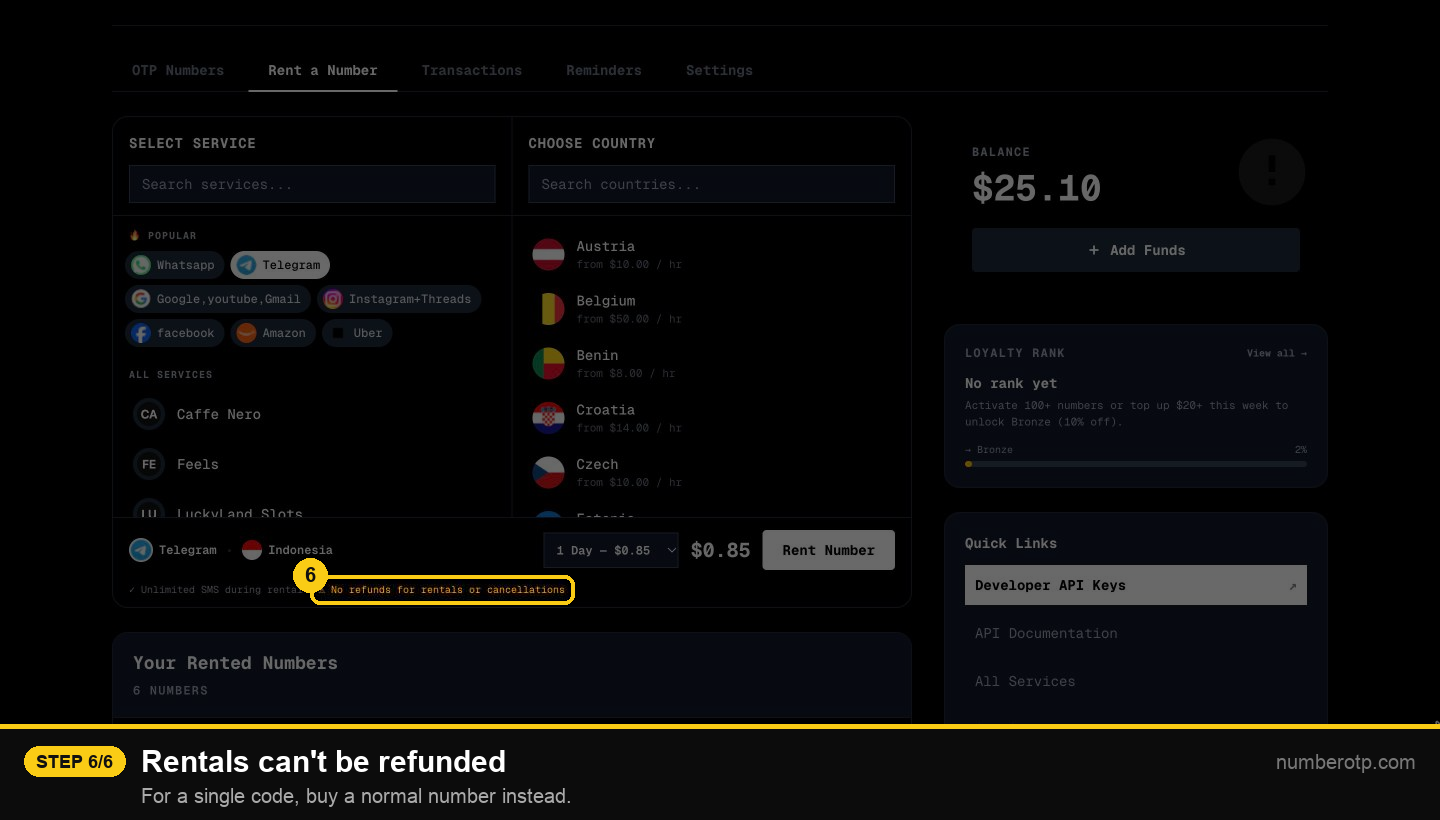
Rent a number for a day or longer
Keep a number for a day or longer to receive every SMS sent to it.
Step by step
1Open the Rent a Number tab
For apps that send codes more than once.
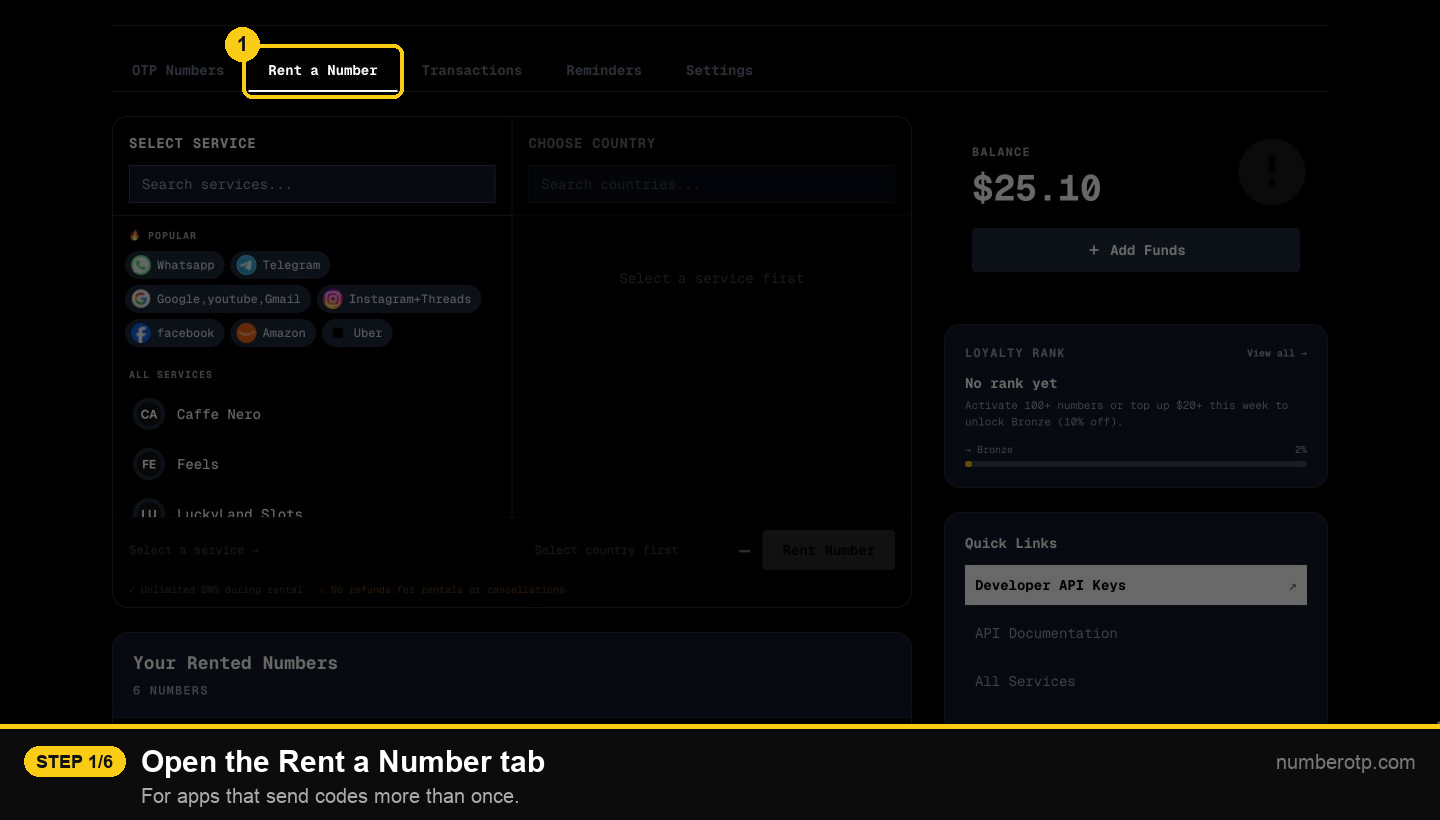
2Pick the app
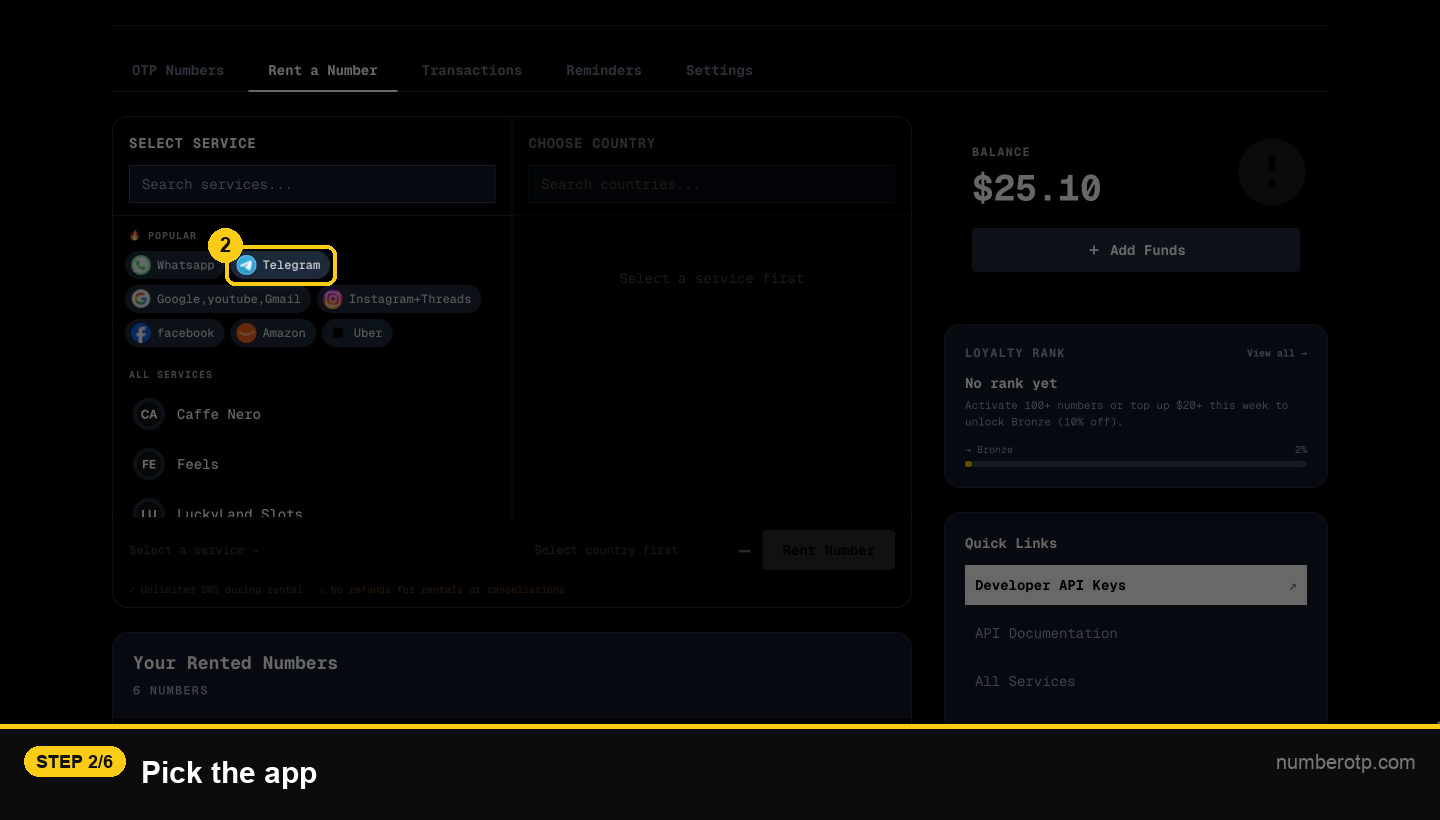
3Pick a country
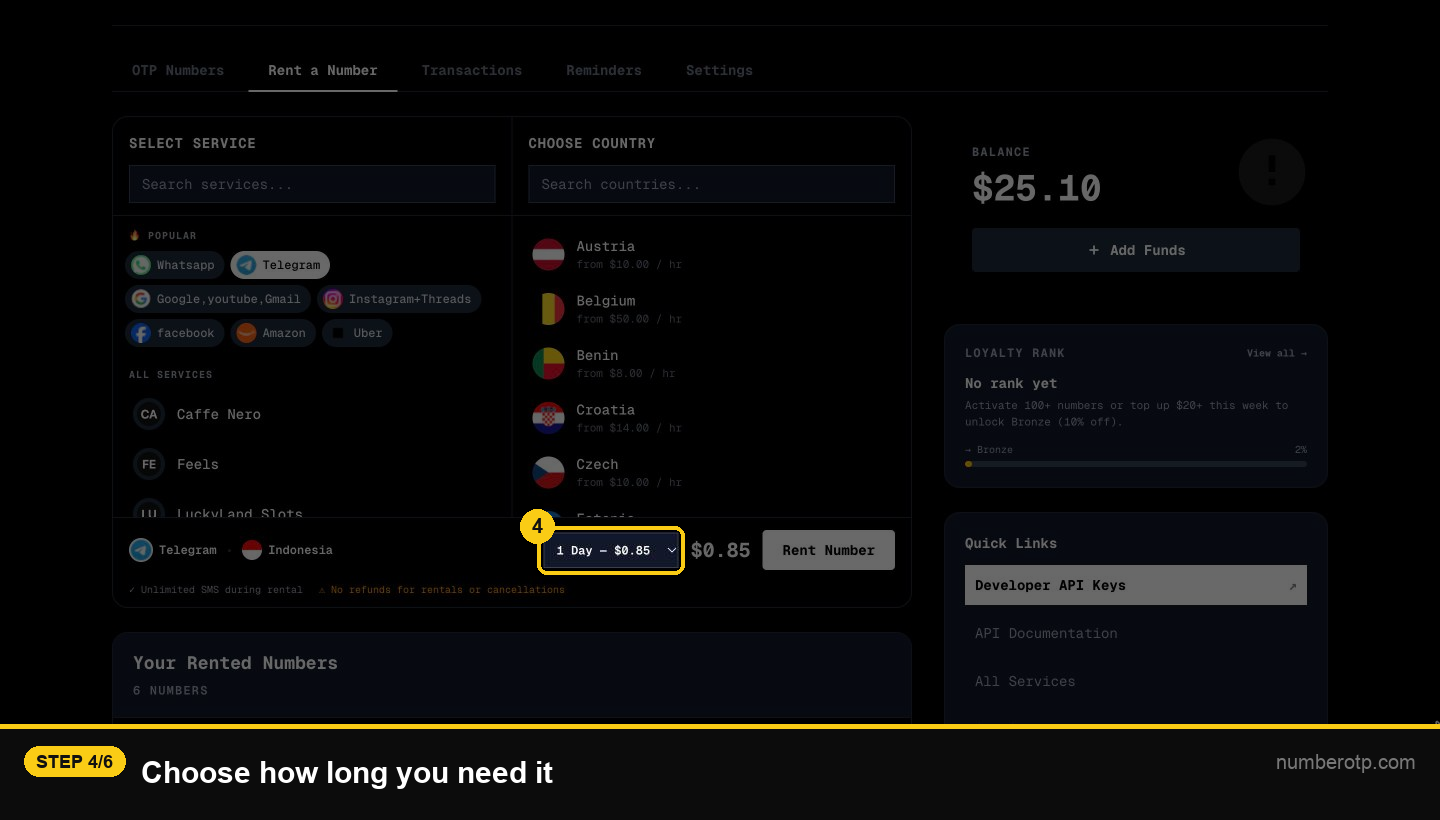
4Choose how long you need it
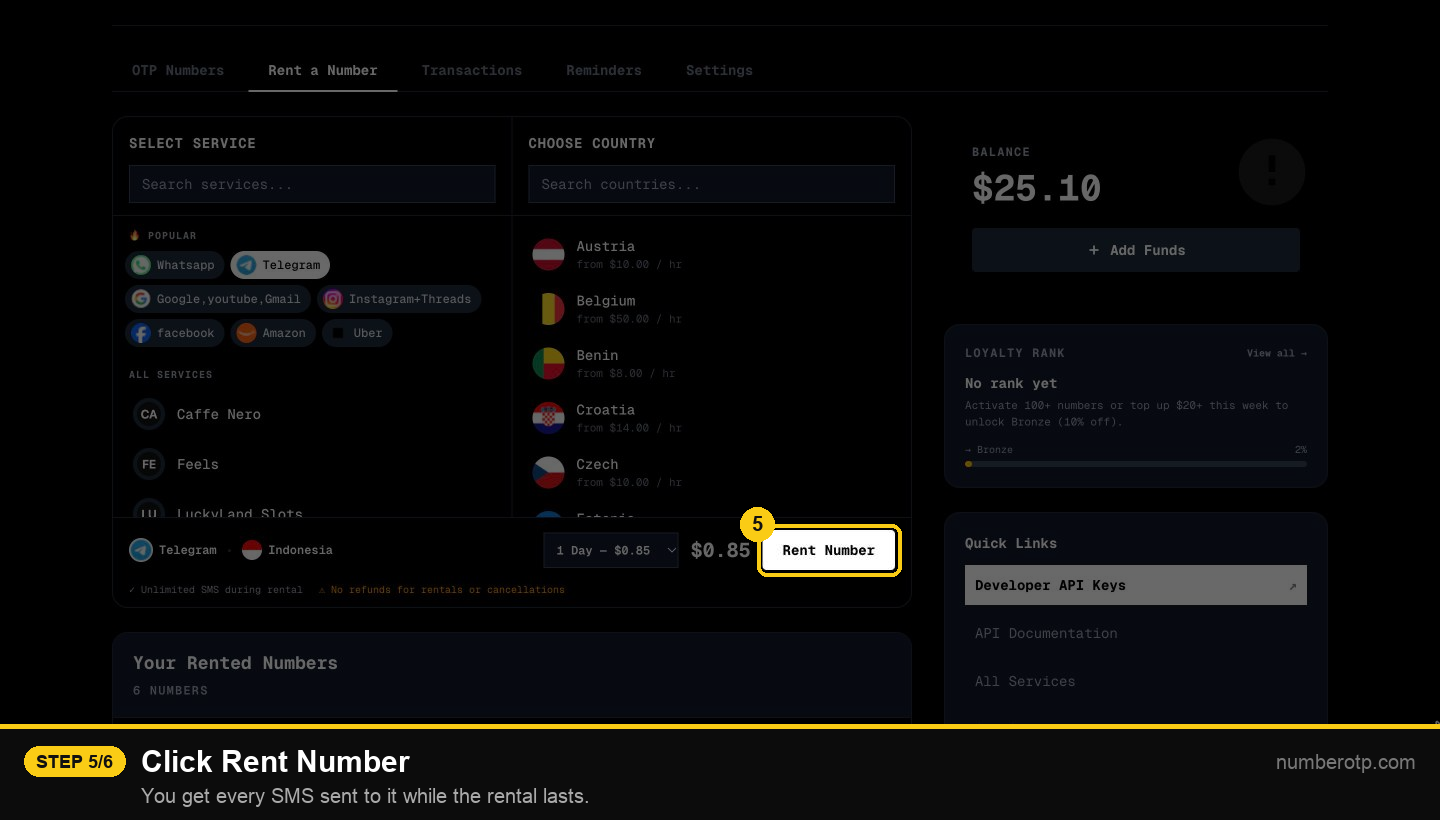
5Click Rent Number
You get every SMS sent to it while the rental lasts.
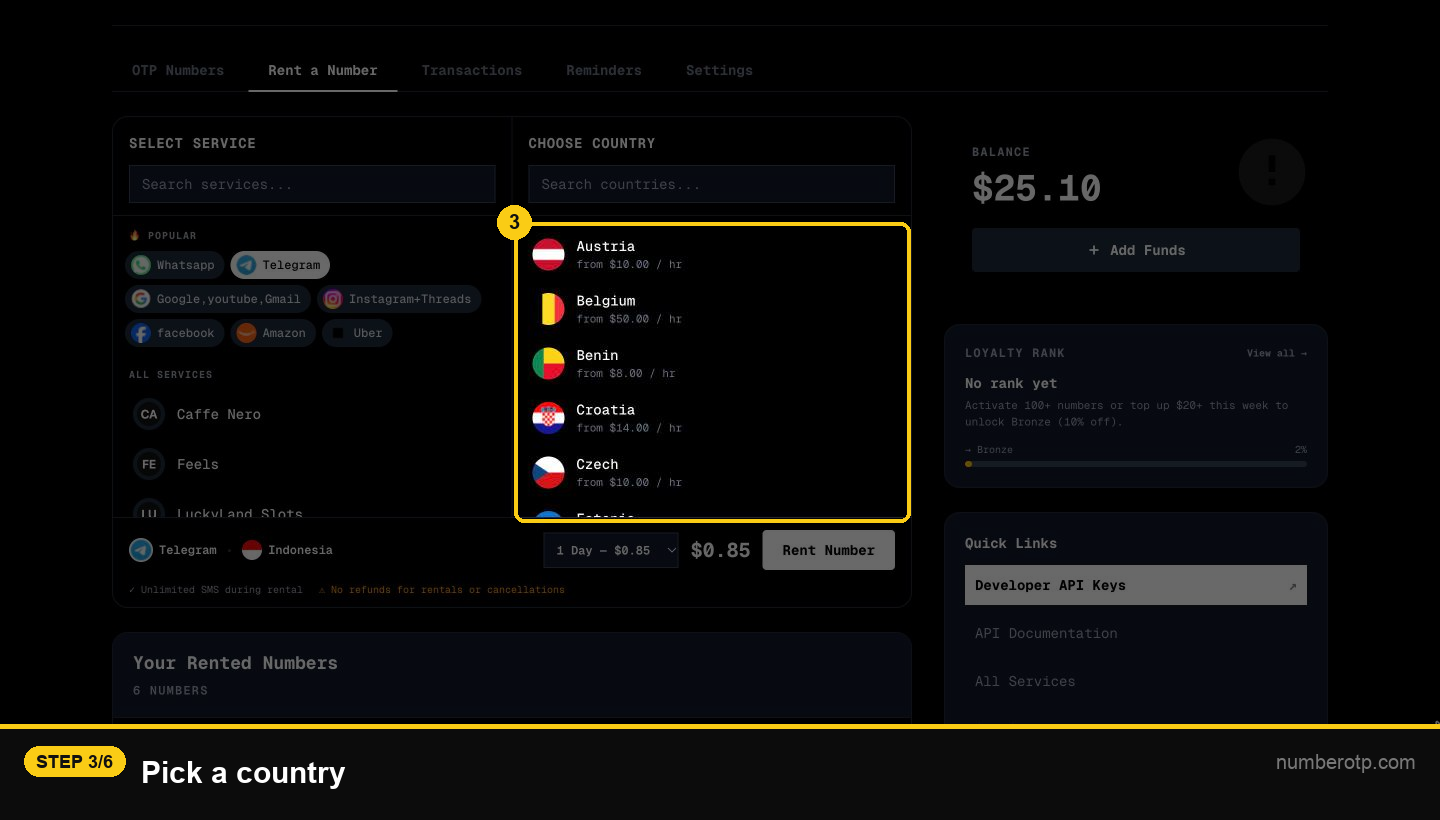
6Rentals can't be refunded
For a single code, buy a normal number instead.