Buy a number and get your code
Pick an app and a country, buy a number, and read the code on the dashboard.
Step by step
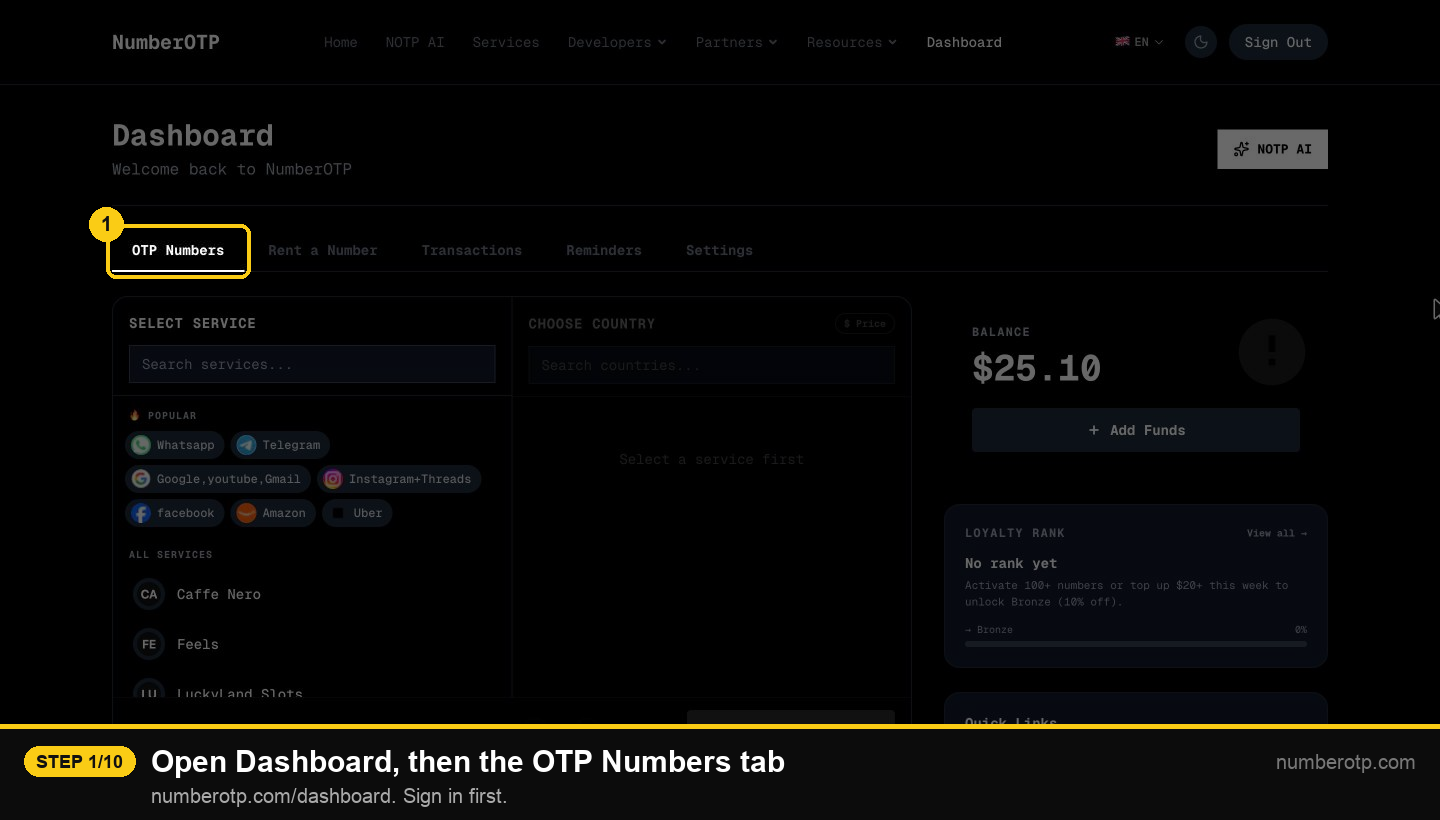
1Open Dashboard, then the OTP Numbers tab
numberotp.com/dashboard. Sign in first.
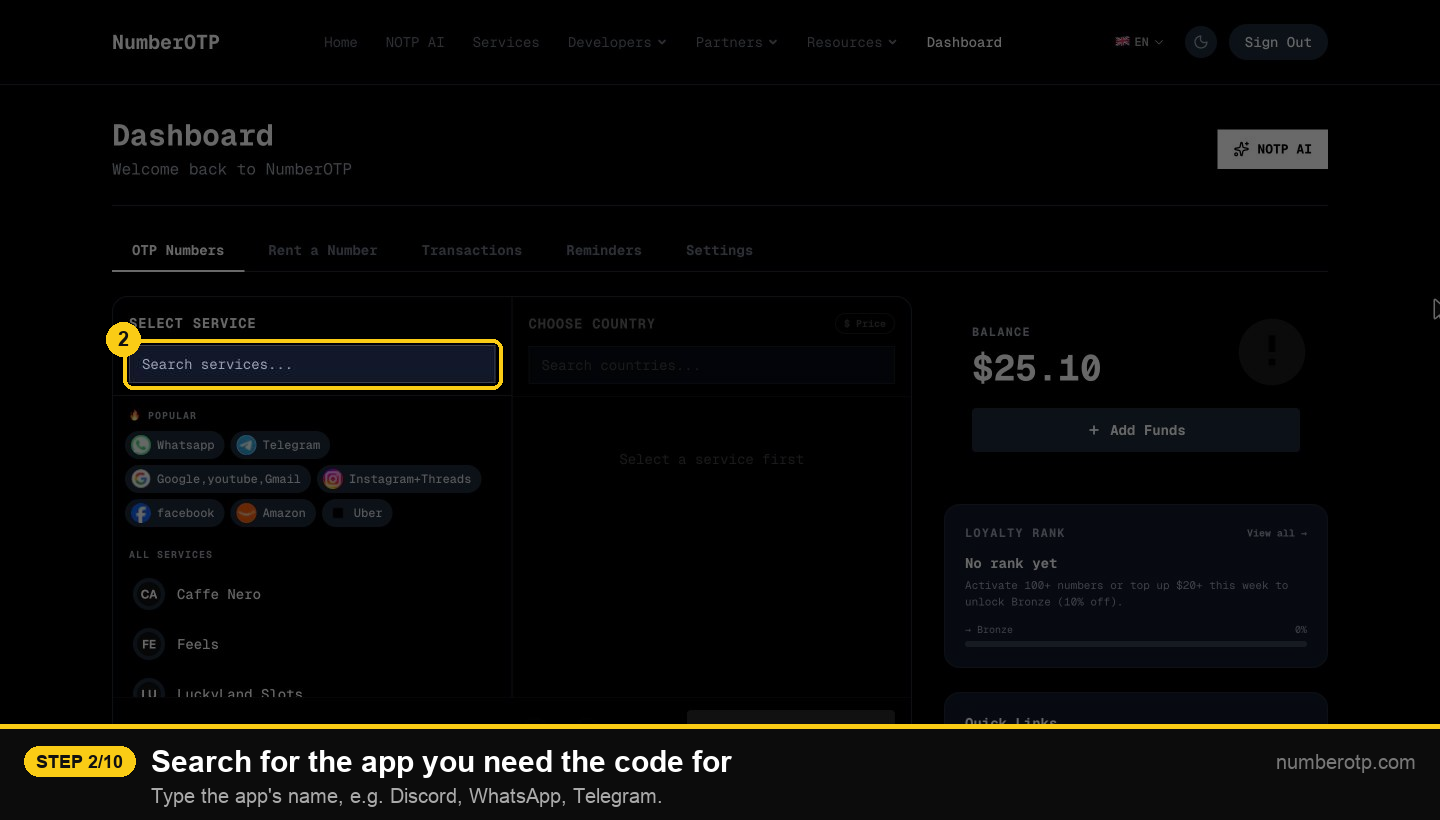
2Search for the app you need the code for
Type the app's name, e.g. Discord, WhatsApp, Telegram.
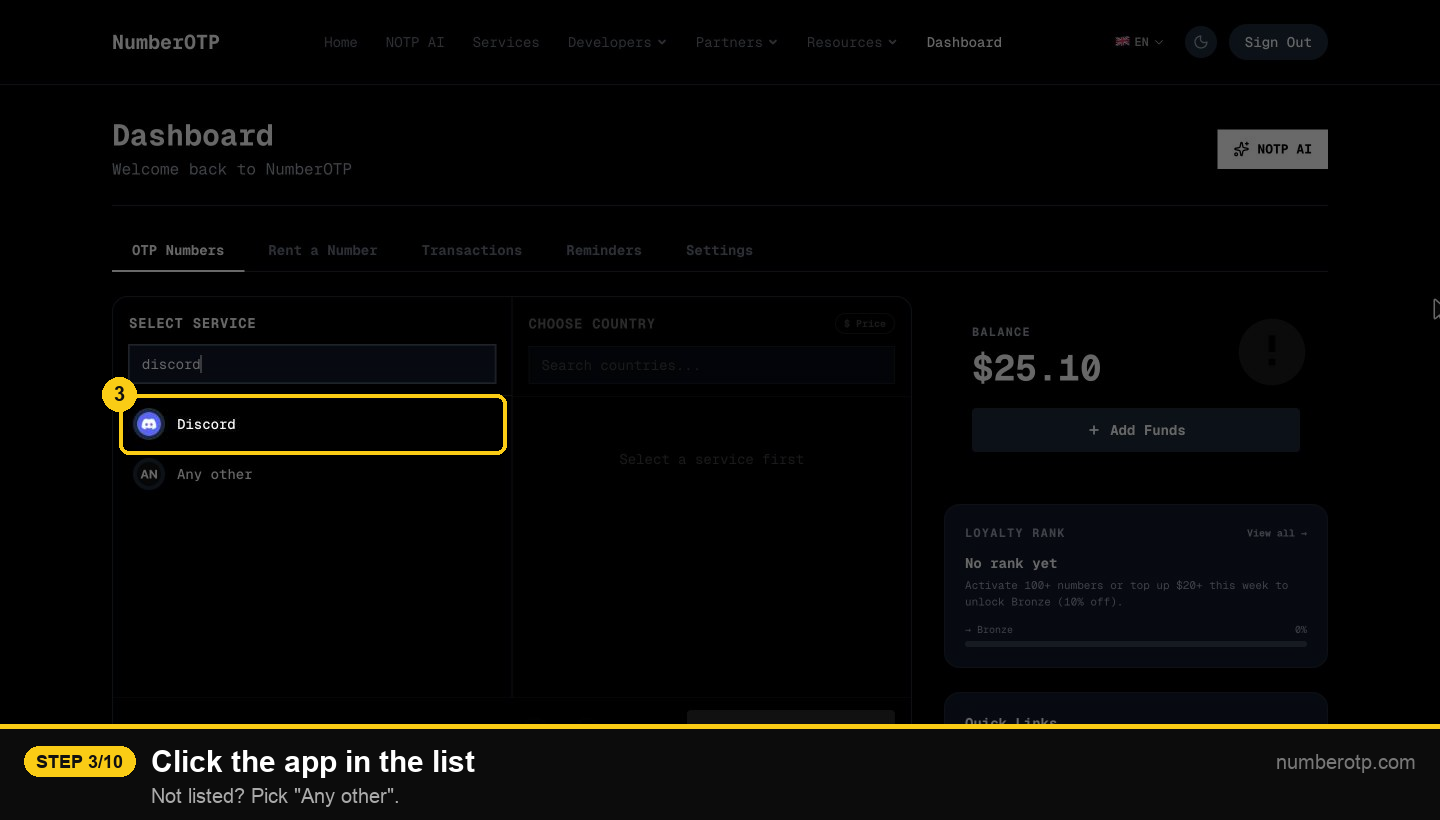
3Click the app in the list
Not listed? Pick "Any other".
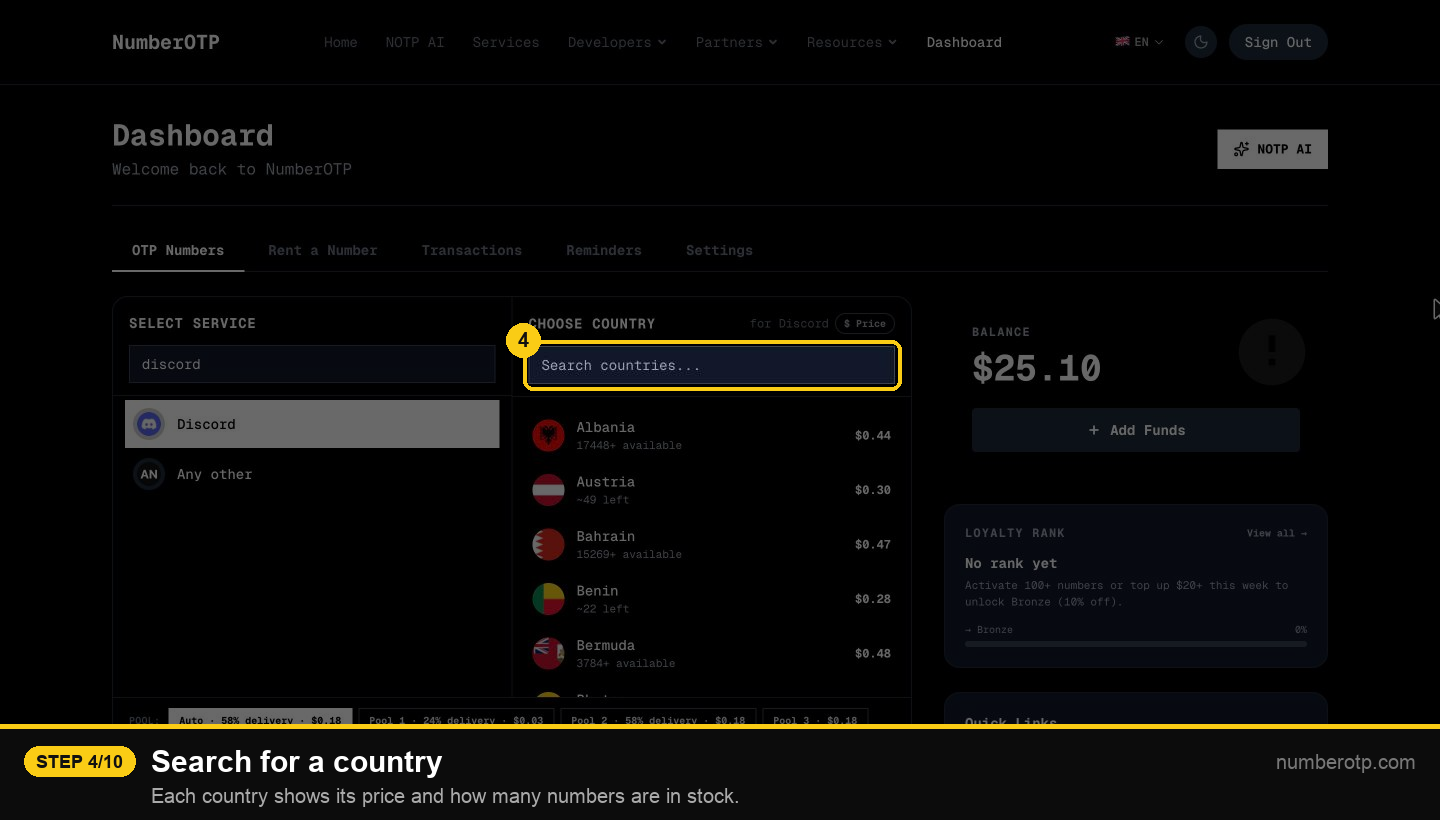
4Search for a country
Each country shows its price and how many numbers are in stock.
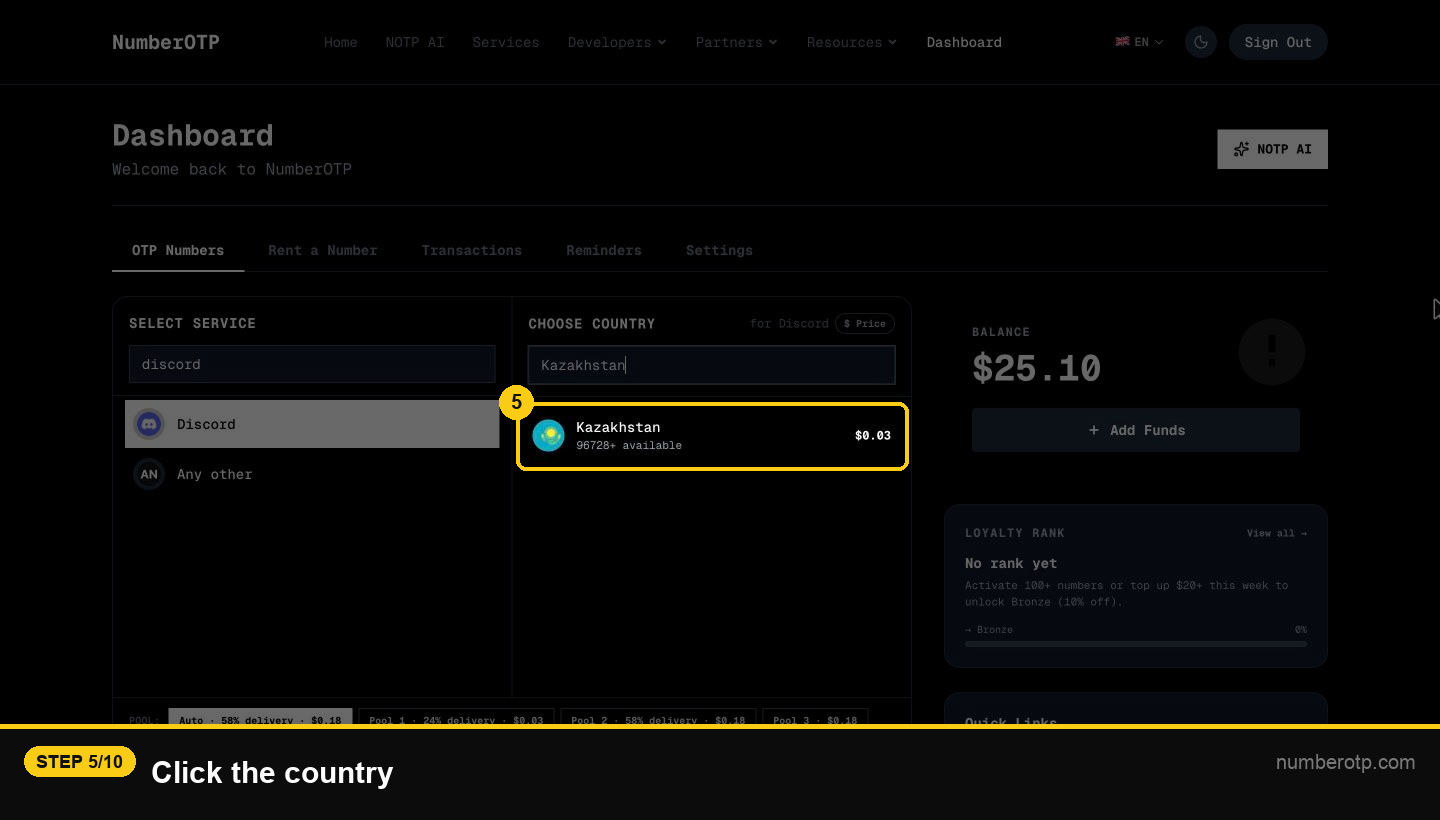
5Click the country
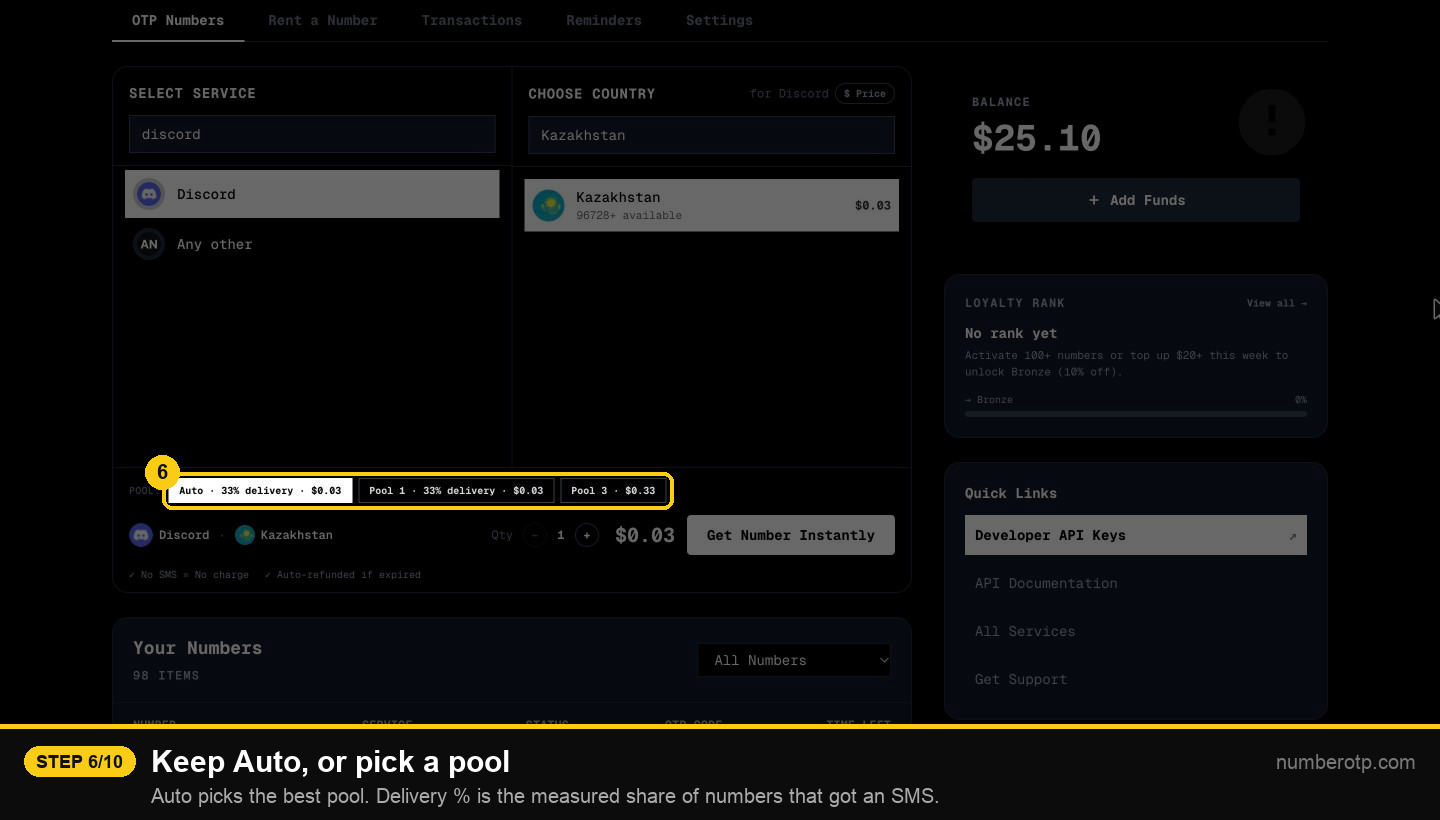
6Keep Auto, or pick a pool
Auto picks the best pool. Delivery % is the measured share of numbers that got an SMS.
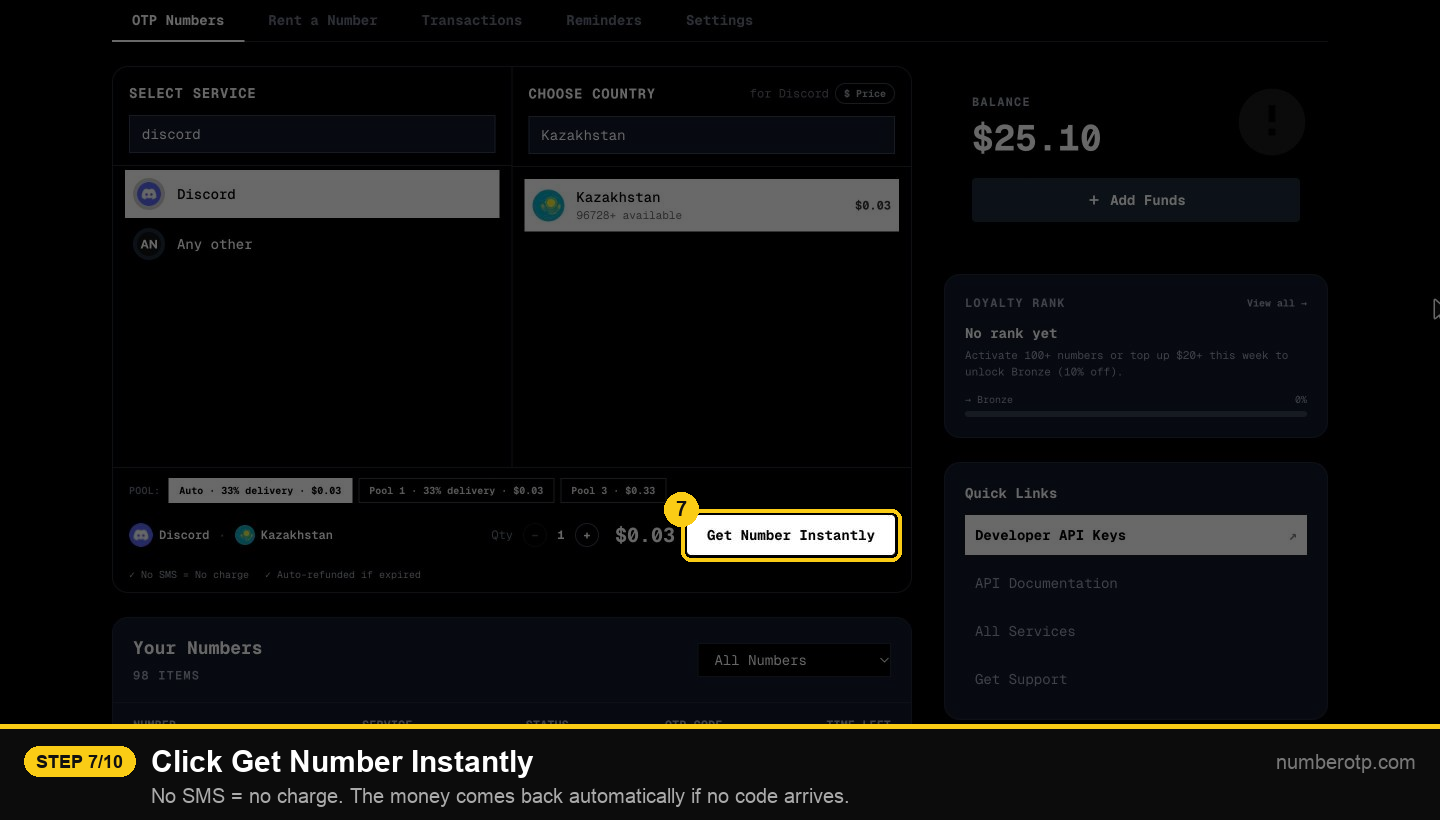
7Click Get Number Instantly
No SMS = no charge. The money comes back automatically if no code arrives.
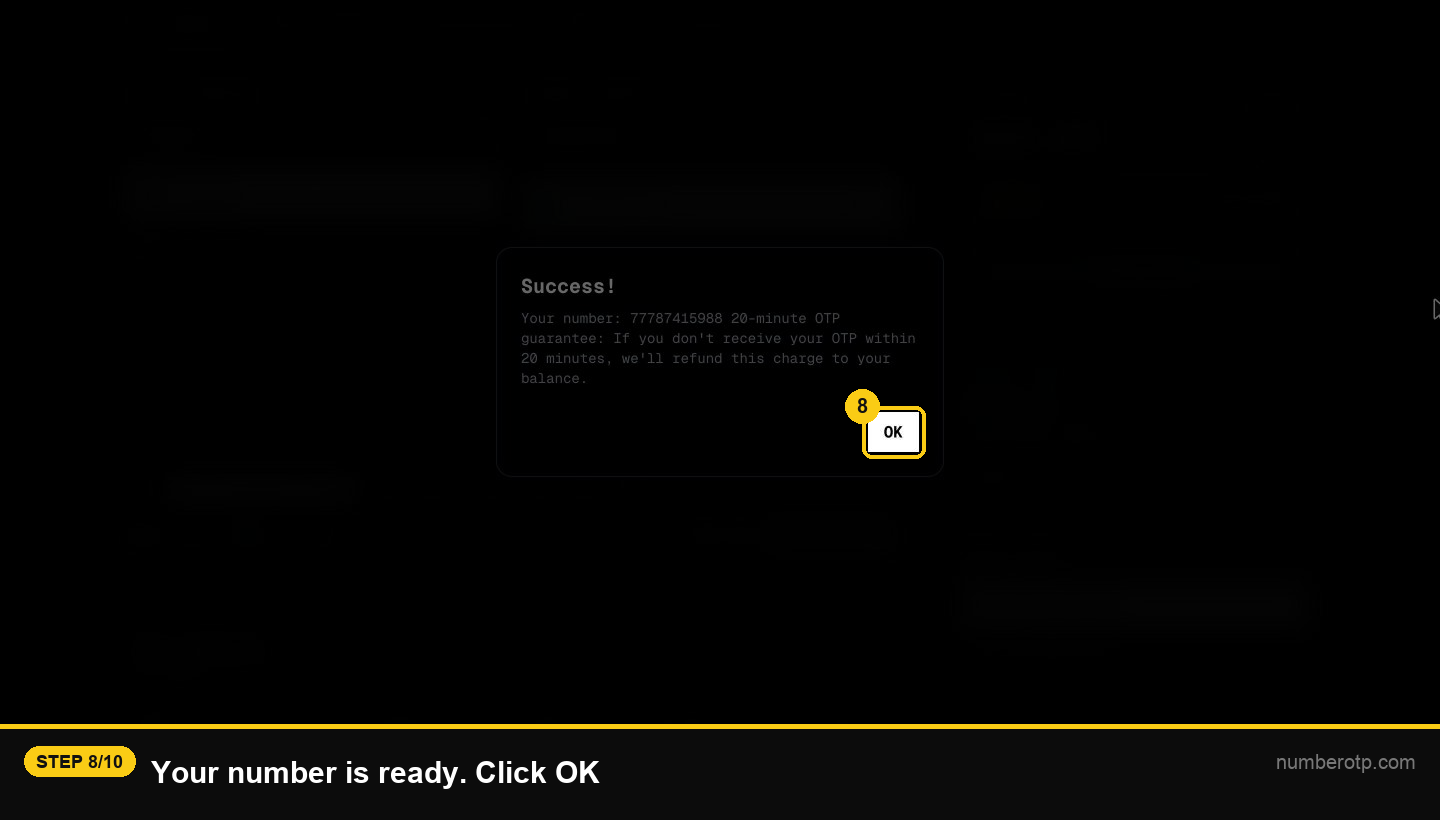
8Your number is ready. Click OK
9Copy the number and paste it into the app
Enter it in the app (e.g. Discord) and ask it to send the code.
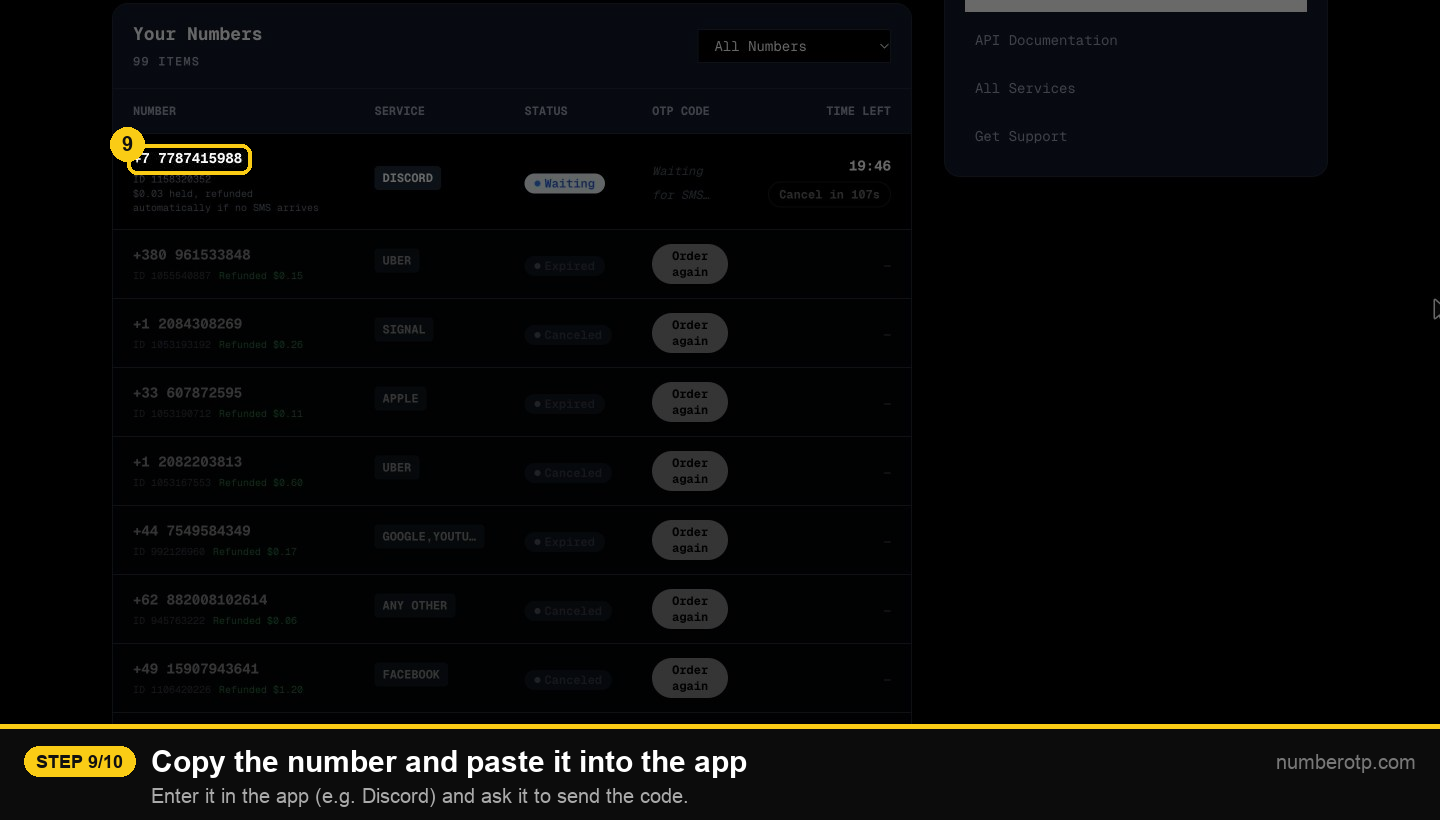
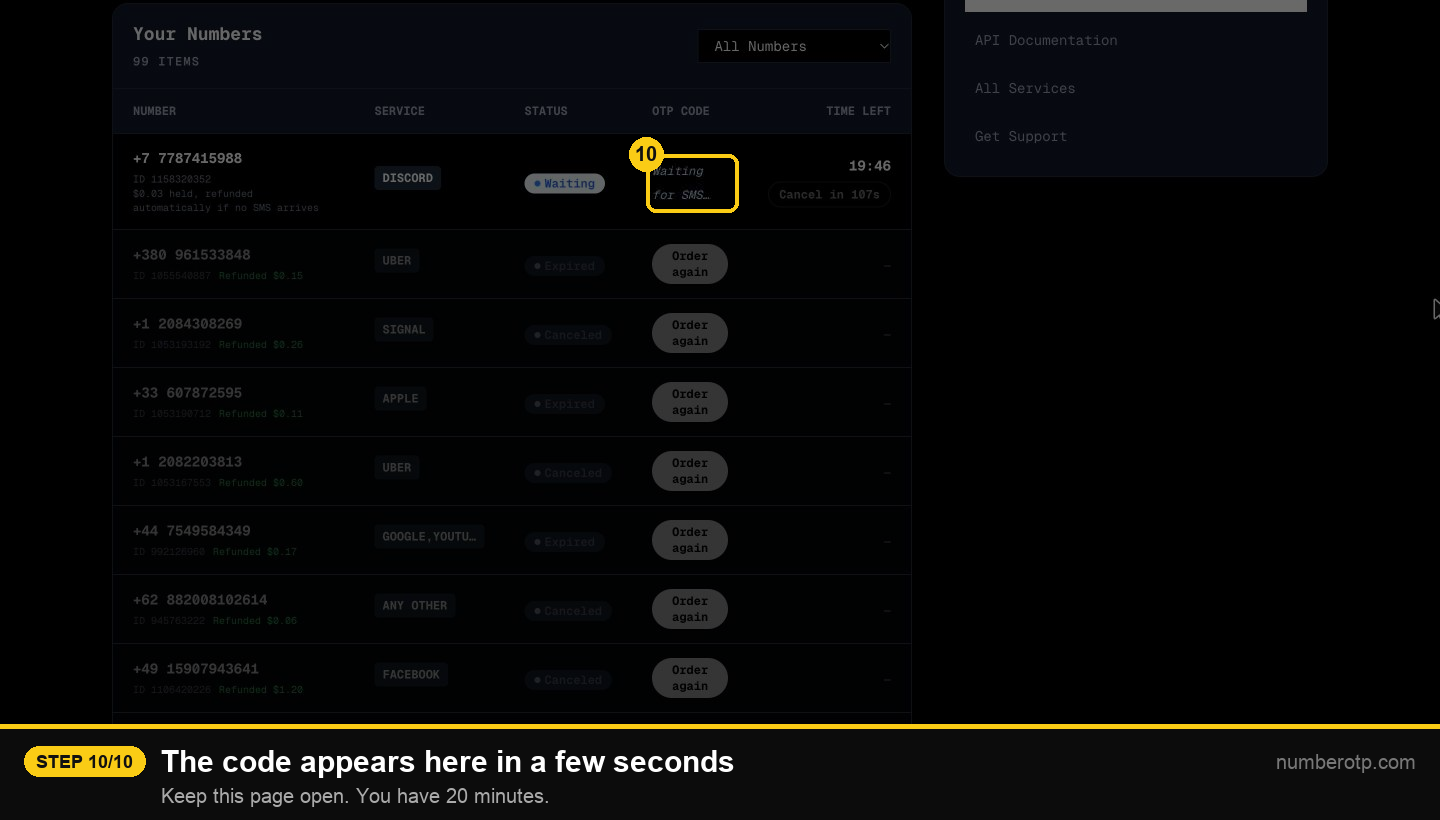
10The code appears here in a few seconds
Keep this page open. You have 20 minutes.