Add funds to your balance
Top up your balance by card, UPI or crypto.
Step by step
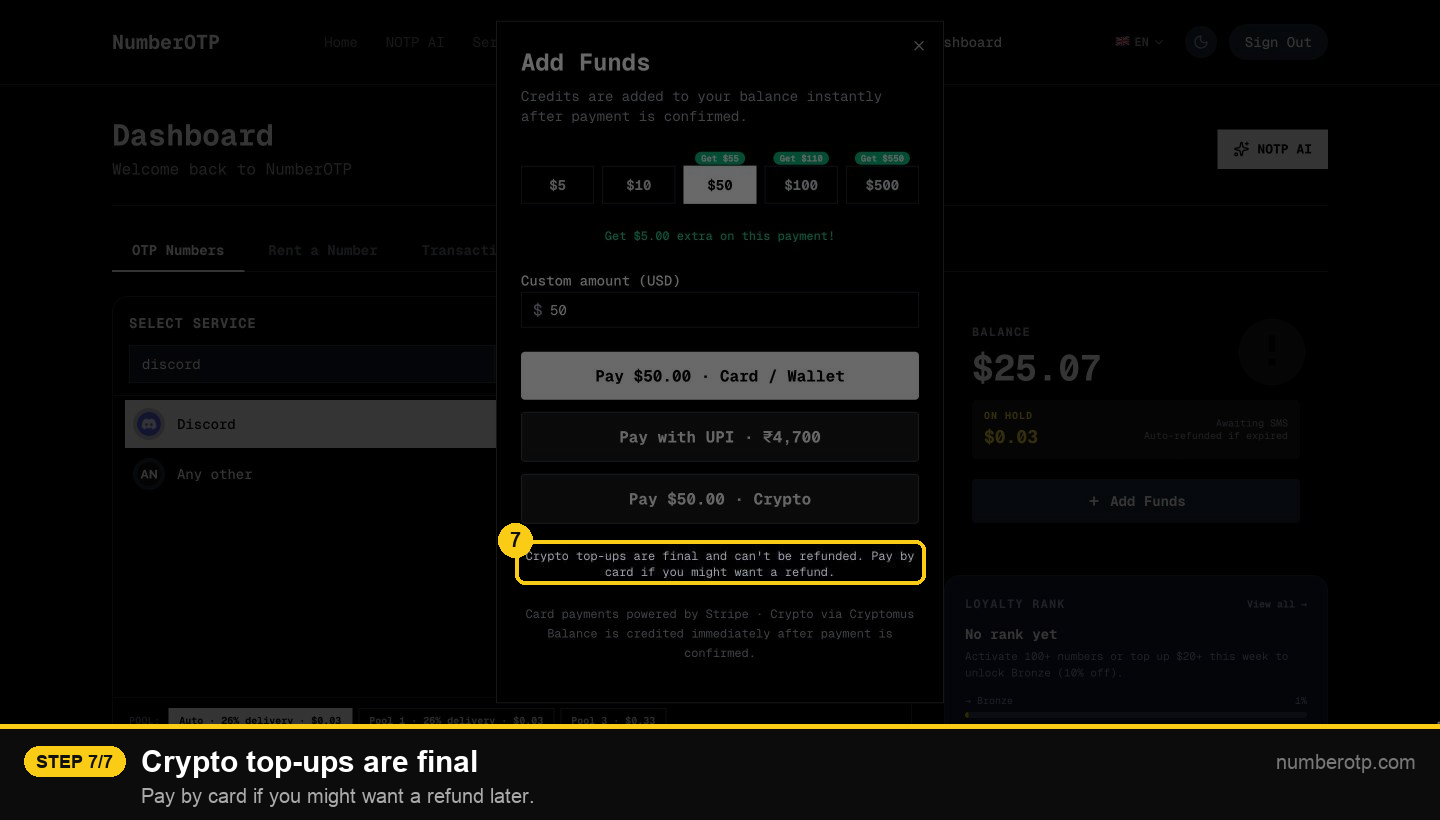
1Click Add Funds
On the dashboard, under your balance.
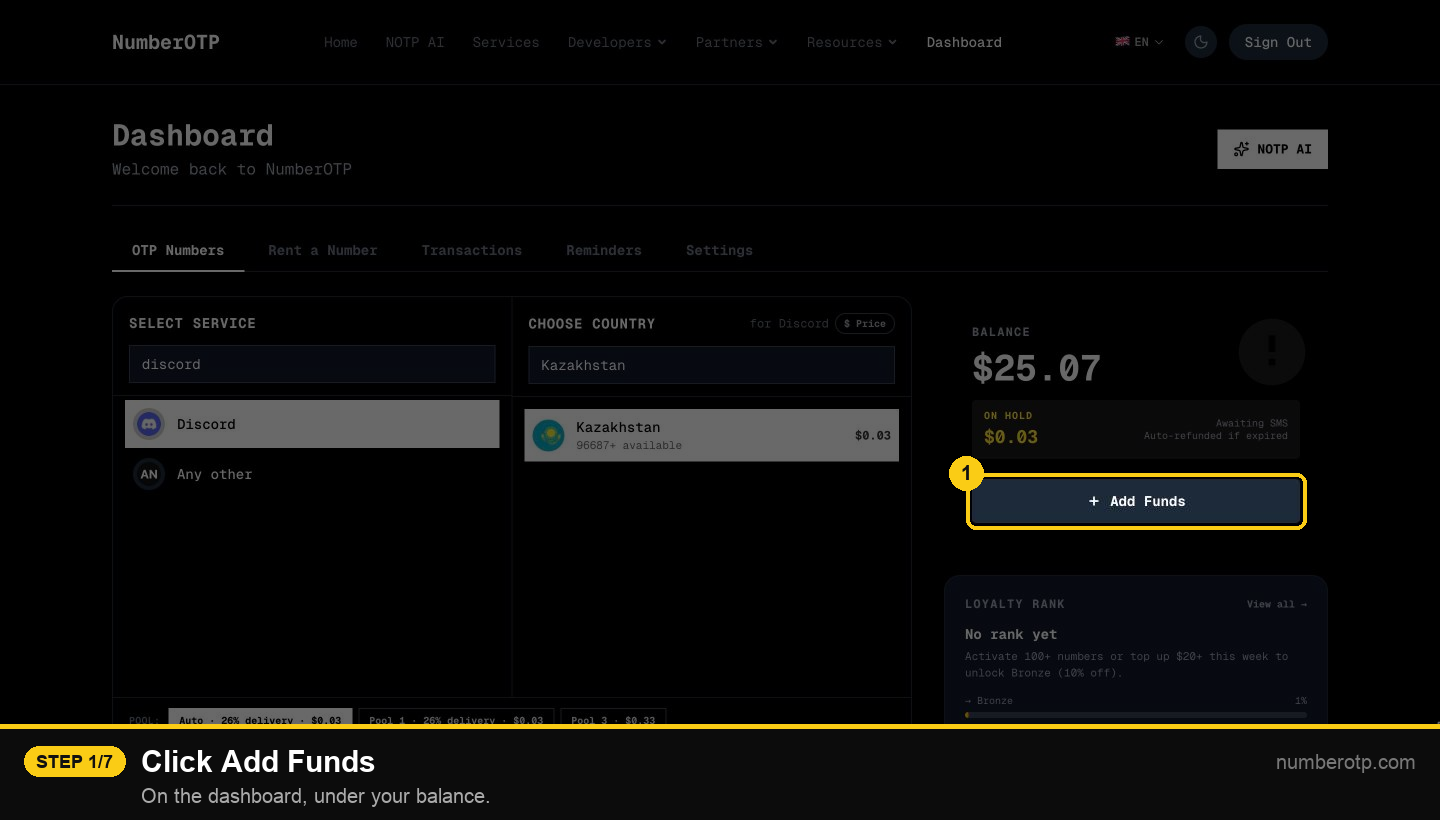
2Pick an amount
Bigger amounts paid in crypto get a bonus.
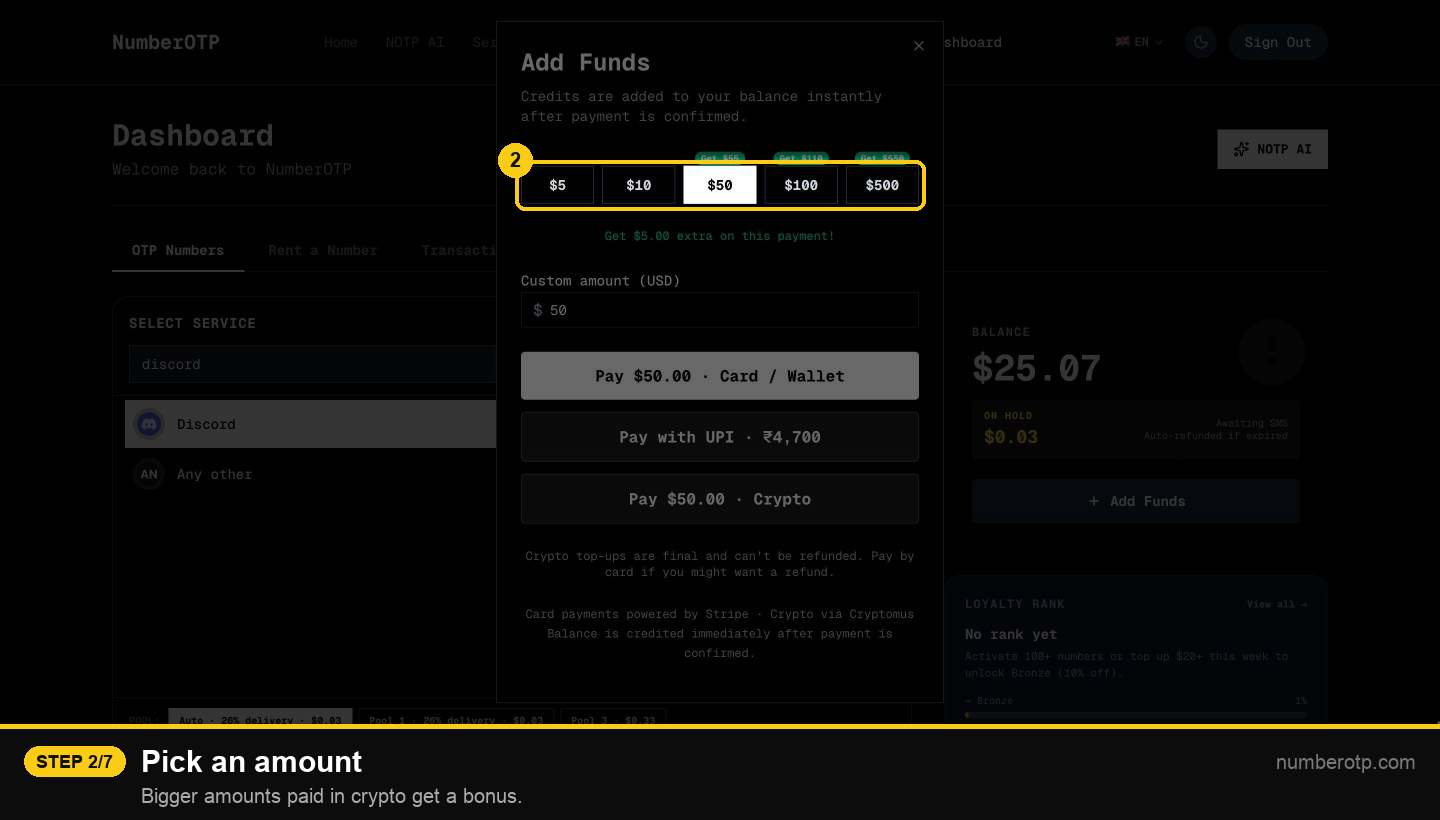
3Or type your own amount
4Pay by card or wallet
Card top-ups can be refunded if unused.
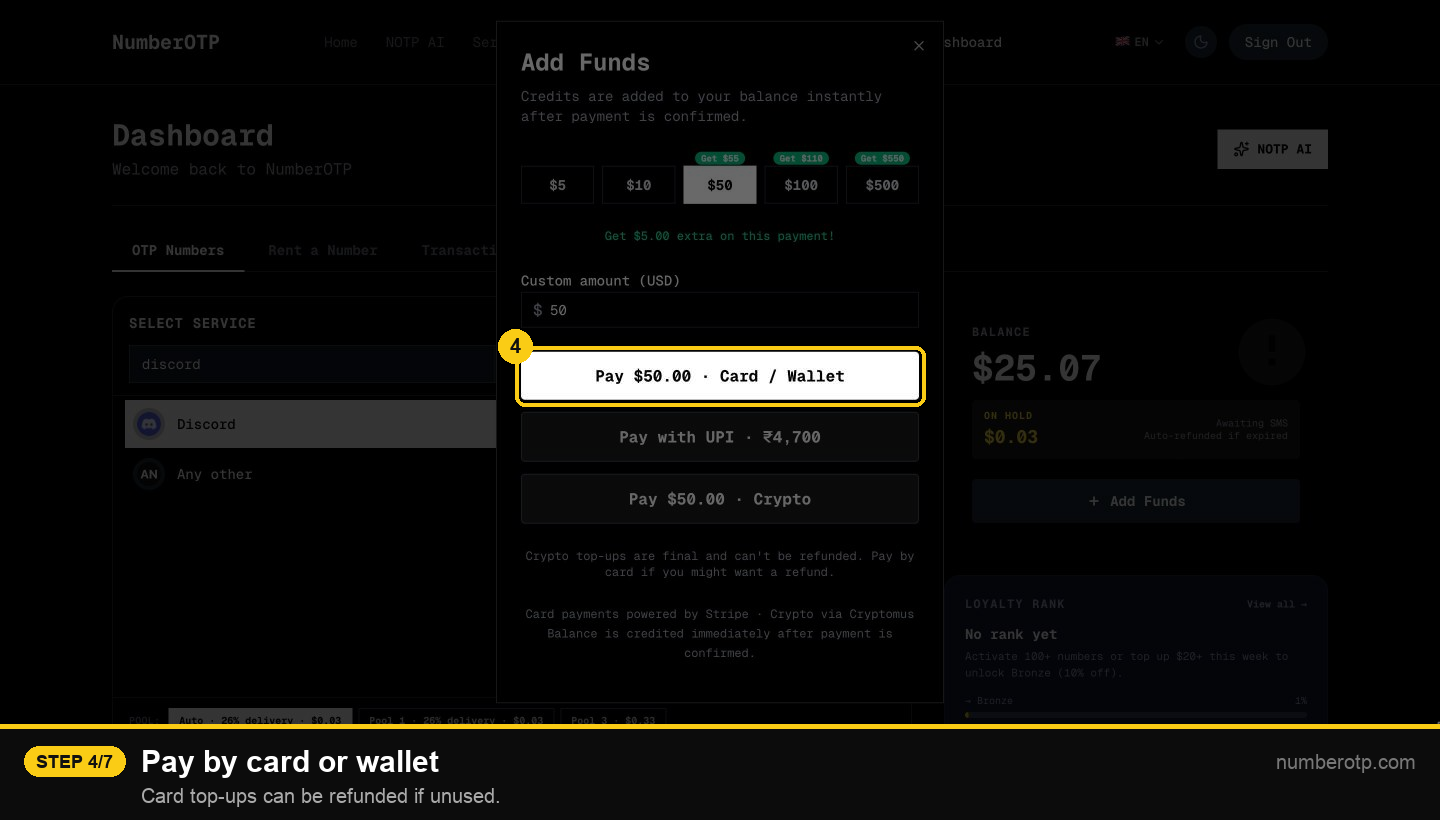
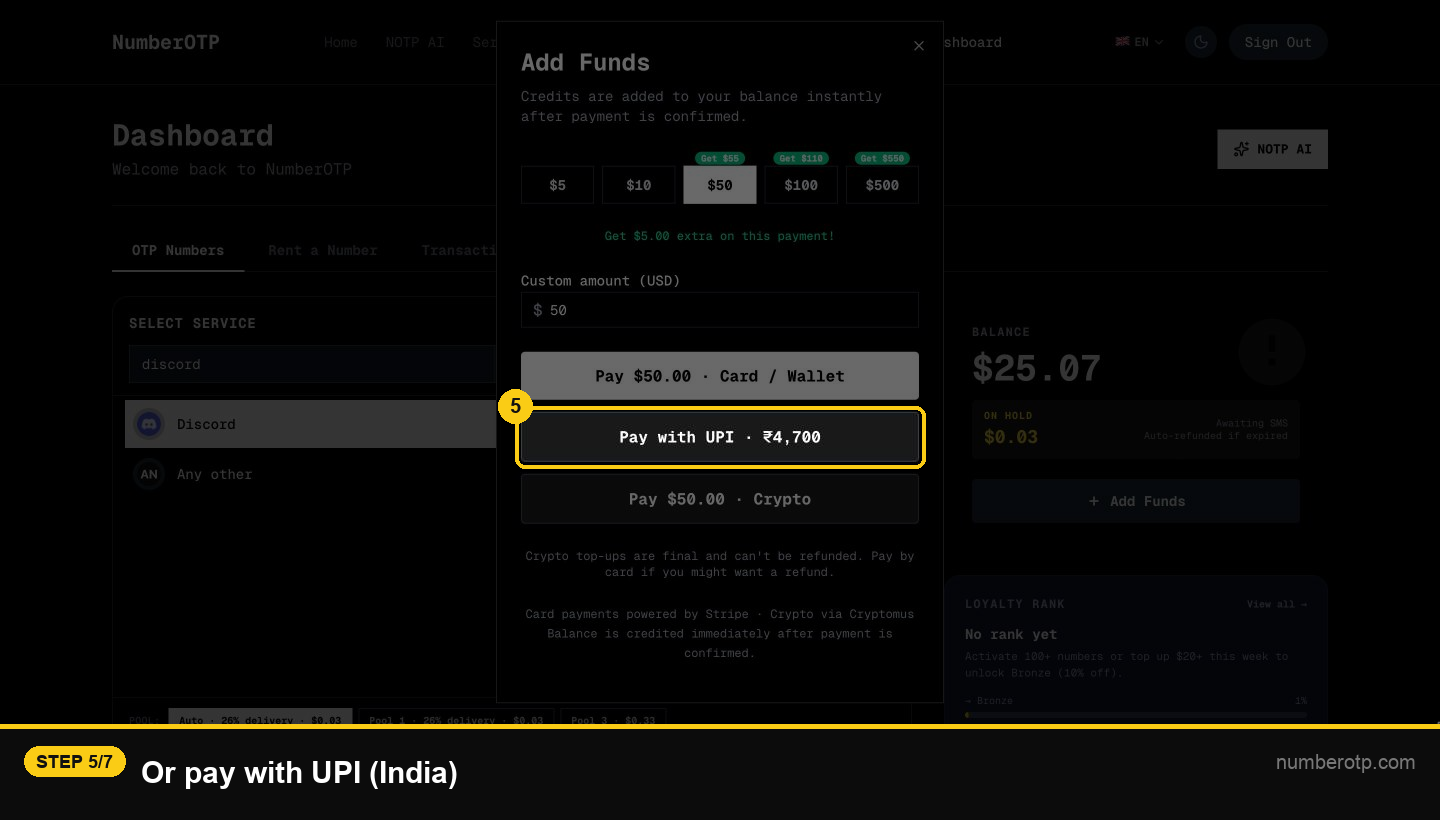
5Or pay with UPI (India)
6Or pay with crypto
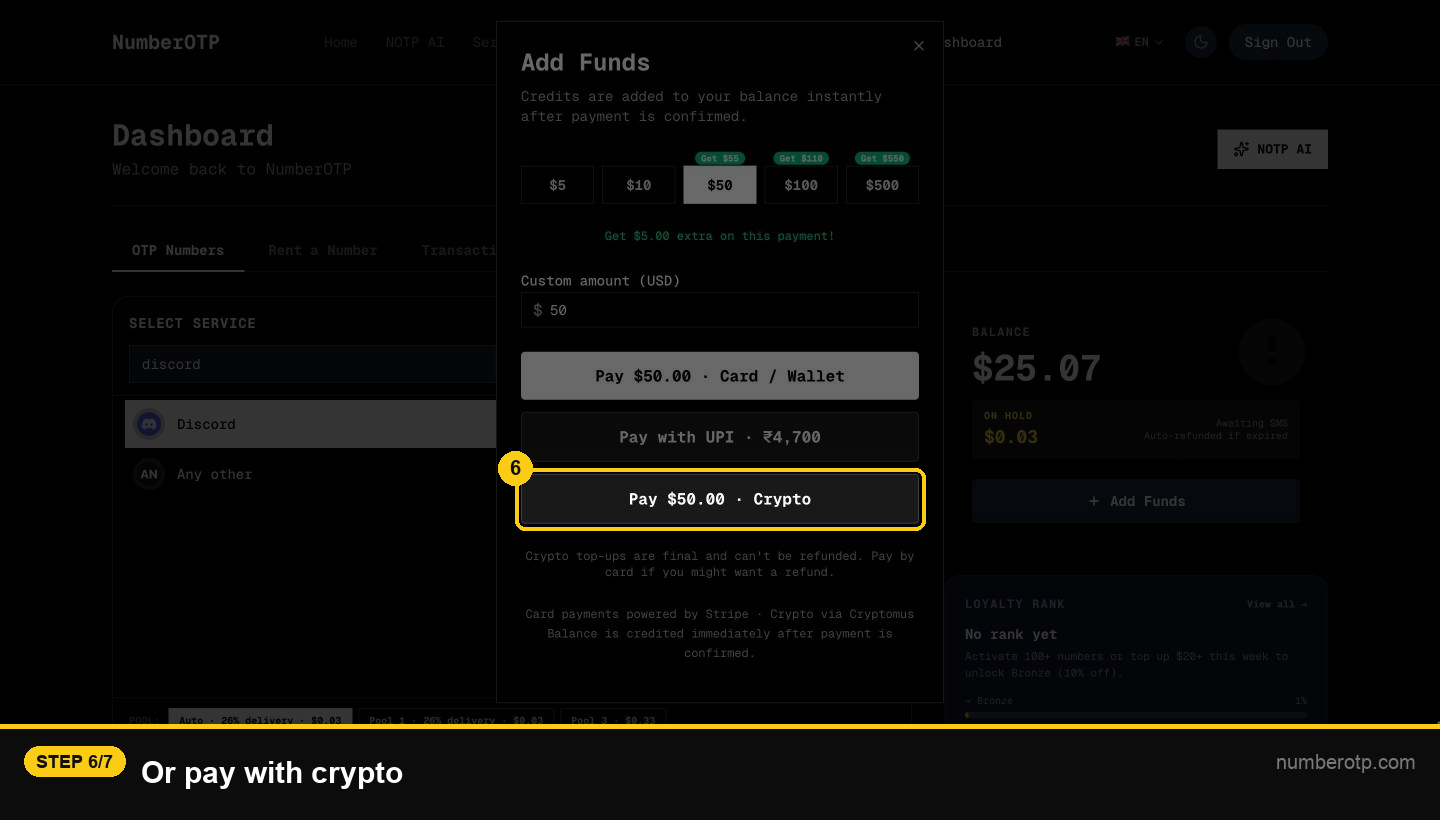
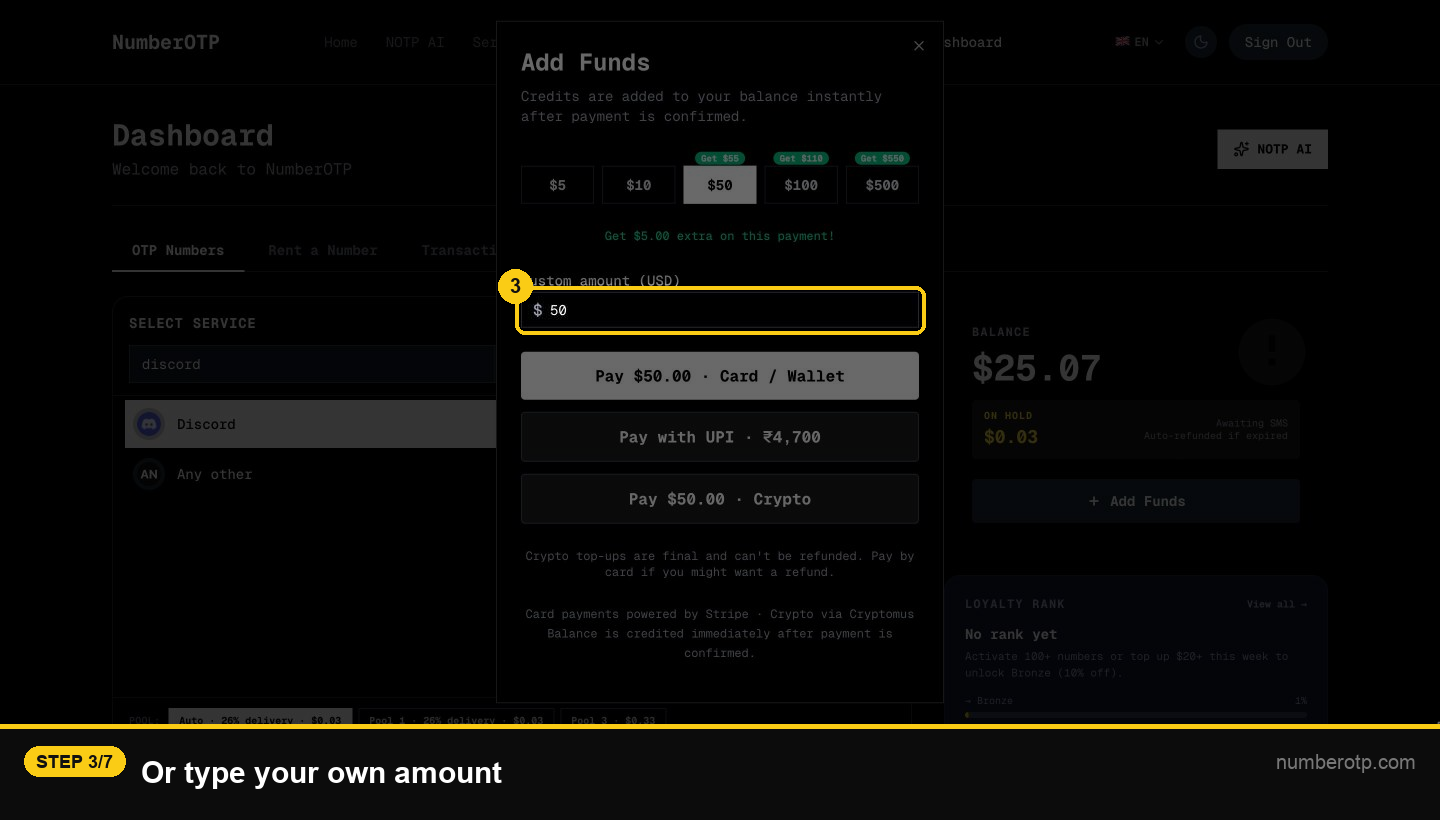
7Crypto top-ups are final
Pay by card if you might want a refund later.